


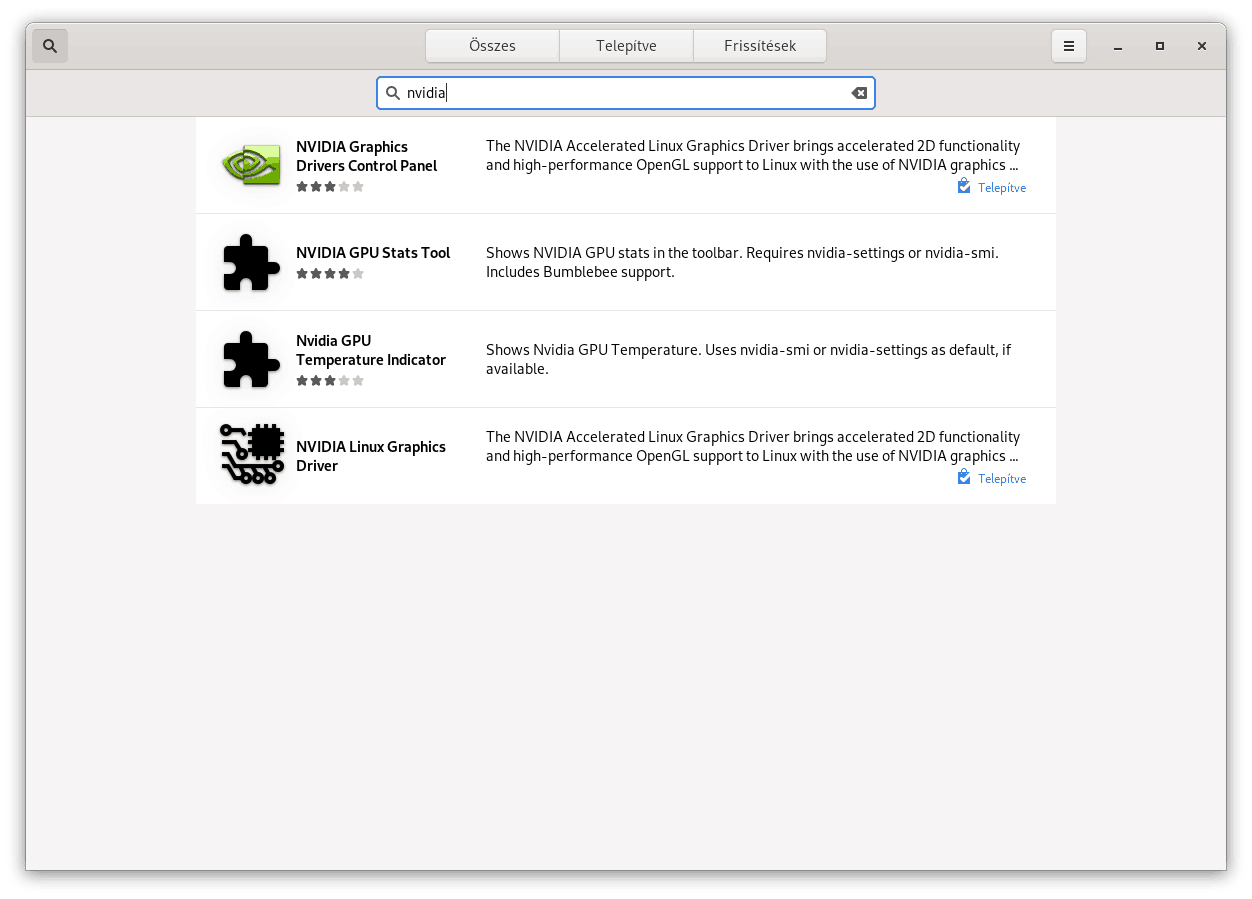
NVIDIA Driver telepítése a Szoftver alkalmazásból.
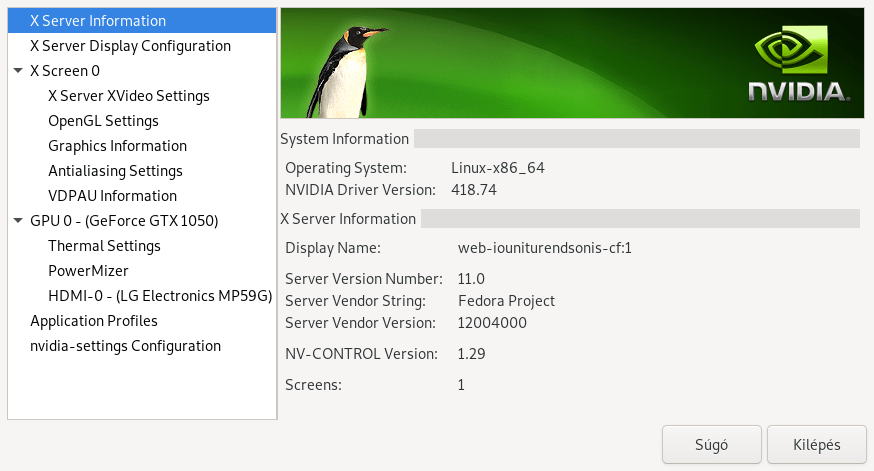
NVIDIA X Server Settings
És amivel sajnos nem foglalkoztam egyáltalán, azok a megjegyzések:)
CUDA
The driver support CUDA when installing the xorg-x11-drv-nvidia-cuda subpackage. Please have a look on the dedicated CUDA Howto

$ dnf install xorg-x11-drv-nvidia-cuda
Vulkan
The main package support Vulkan, but you need to install the vulkan libraries if requested.

$ dnf install vulkan
NVENC/NVDEC
RPM Fusion support ffmpeg compiled with NVENC/NVDEC with Fedora 25 and later. You need to have a recent NVIDIA card (see the support matrix), and install the cuda sub-package.

$ dnf install xorg-x11-drv-nvidia-cuda-libs
VDPAU/VAAPI
In order to enable video acceleration support for your player and if your NVIDIA card is recent enough (Geforce 8 and later is needed). You can install theses packages:

$ dnf install vdpauinfo libva-vdpau-driver libva-utils
2019 őszén érkezik az NVIDIA Wayland támogatás, szerintem addig kibírjuk:)
FEDORA DOCS – The Wayland Display Server
Howto/NVIDIA

Végzettségem informatikus/rendszerinformatikus. 2010 óta készítem valko, media-valko, valko-ksk, könyvtár térkép szerverét és 2016. évtől az valko-mora oldalait. 2024-től a valkói óvoda oldalát. Jelenleg a Valkó Községi Könyvtárában dolgozom.
További tetteim: vvhke, facan-godollo, raktarozas, pc-valko, malota, irodakoltoztetes, budapest-költöztetés, express-teher.

